Lex Editor & AI
The canonical home for editor behavior, interactive widgets, media tools, and AI-assisted lesson building.
Who this is for
Teachers and content authors building lessons in the Locuto.PRO editor.
What this section answers
- how to use the editor interface
- how to build content with text, media, and widgets
- how AI tools fit into the lesson workflow
- where to find advanced widget reference material
Prerequisites
- a lesson opened in edit mode from a course
Start here
- Getting Started for the editor interface and first lesson flow
- AI Features if you want to start from generated content instead of a blank lesson
Build content by job
Formatting & Layout
Structure lessons with headings, lists, collapsible sections, and columns.
Media
Add images, audio, video, and embeds.
PDF Documents
Embed coursebook or exam pages, annotate them together, and present them live.
Interactive Widgets
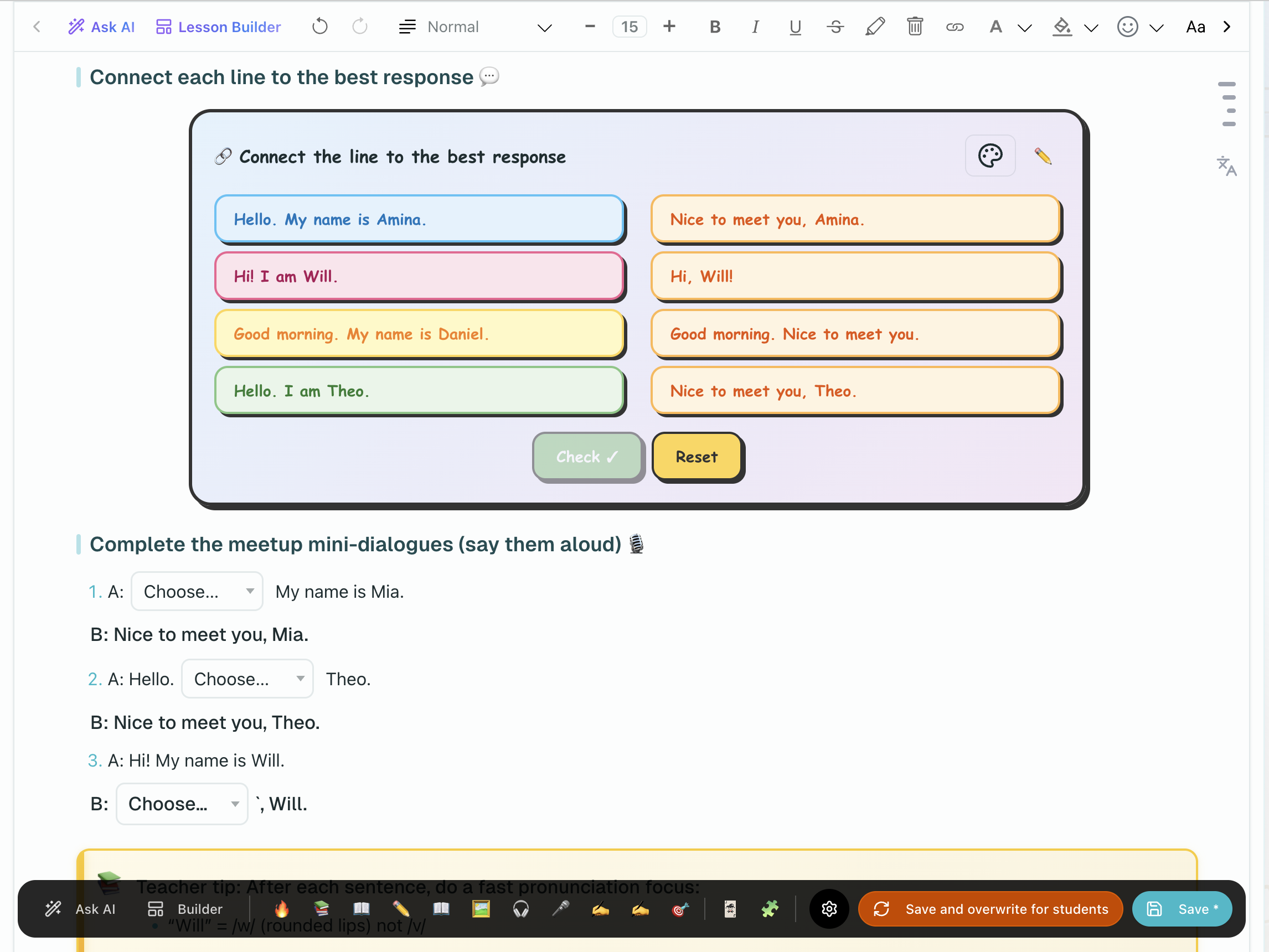
Find the right exercise, game, or brain break widget.
Collaboration
Co-edit lessons and work with other teachers.
Interactive widget route map
Use the widget pages by intent:
- Interactive Widgets Overview to choose the right widget family
- Exercise Widgets for assessment and practice widgets
- Game-Based Widgets for reinforcement through play
- Brain Break Widgets for short in-class reset activities
- Widget Content Syntax for the advanced appendix-level reference
Related teaching guides
If you are looking for the course or teaching workflow around the editor, start in: